AI FILMMAKING / FIELD NOTE
How to Direct AI Films with Higgsfield Cinema Studio
A creator-first guide to using AI film tools while keeping direction, taste and intent in the frame.
A companion article to Suket Dedhia’s YouTube video ↗
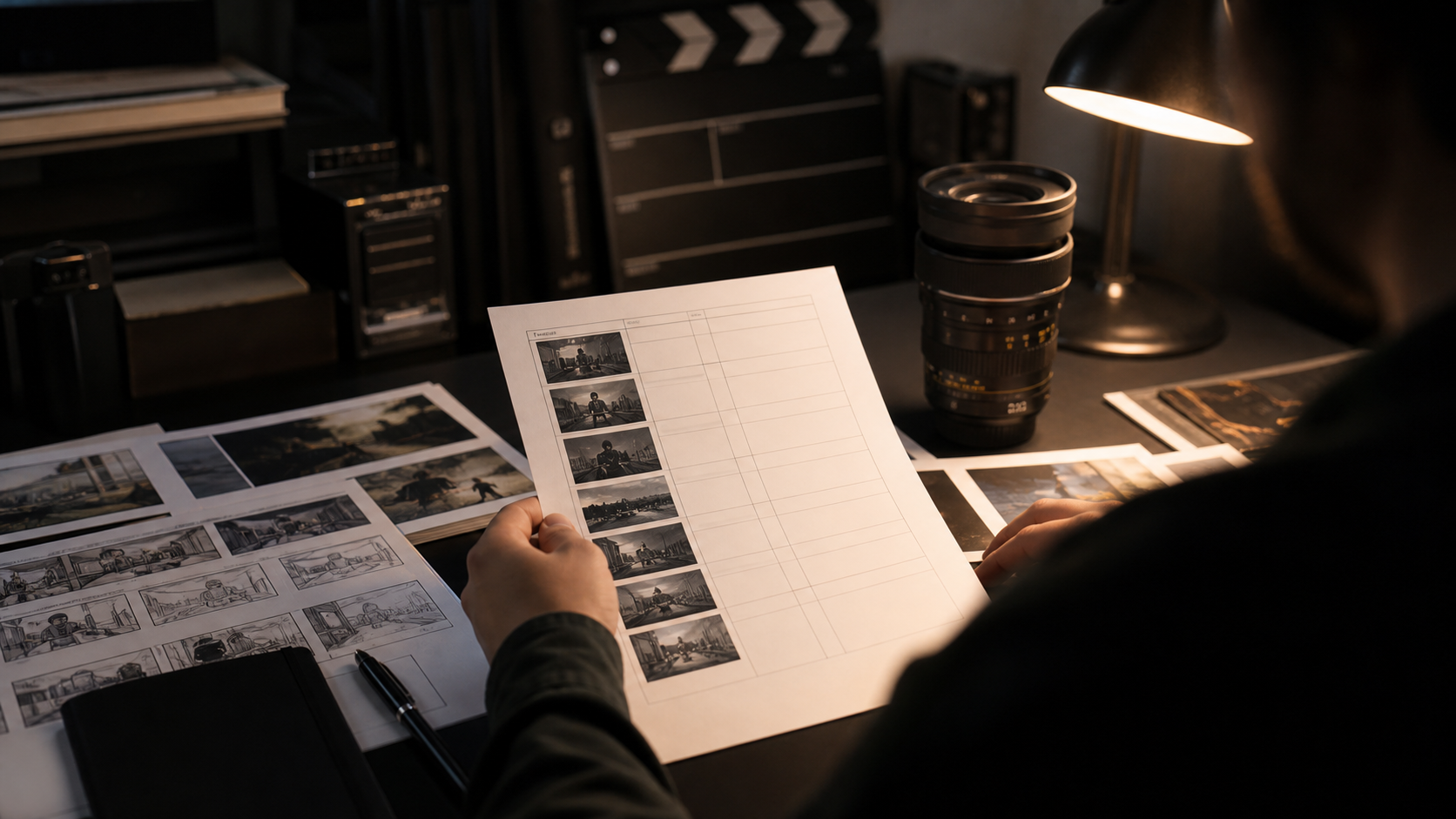
AI filmmaking is most useful when it shortens production friction without flattening the director’s choices. This guide accompanies Suket Dedhia’s Higgsfield Cinema Studio video and explains a practical way to plan, direct, evaluate and finish AI-generated film shots. The objective is not to generate more clips. It is to make shots that belong to the same idea.
What this workflow changes
Begin with a shot brief, not a prompt. Write the subject, the action, the camera relationship, the light, the emotional temperature and the edit point. A one-line brief such as ‘a quiet push-in as the character realises the room has changed’ gives a tool far more useful constraints than a list of fashionable visual adjectives.
How to build the process
Build a small visual language before generating. Select two or three lens references, a limited palette and a consistent movement rule. AI video can create impressive isolated images quickly; continuity comes from the choices that repeat across every shot. Keep a reference board beside the generation window and reject anything that does not serve it.
Direct in passes. The first pass tests composition, subject and broad movement. The second pass refines timing, light and camera behaviour. The third pass is for editorial use: cut points, handles, transitions and sound opportunities. Treating each output as a draft makes it easier to be selective instead of becoming attached to the first spectacular result.
Make the final pass count
Finish in an edit, not in a prompt box. Put approved clips on a timeline, set a rhythm, design the sound and compare every shot against the opening frame. This is where a generated sequence becomes a film. Good direction is visible in what is left out as much as in what is generated.
Frequently asked question
Can AI film tools replace a director?
No. They can accelerate visual exploration and create material, but direction is the work of deciding what the audience should see, feel and understand.
This is an original field note. Return to the linked video for the source demonstration, examples and context.