
A practical beginner’s guide / by Suket Dedhia
How to make an AI short film.
Make a small scene worth watching. This five-step workflow takes you from a one-page brief to a finished three-shot film—without letting the tool make the creative decisions for you.
Follow the five steps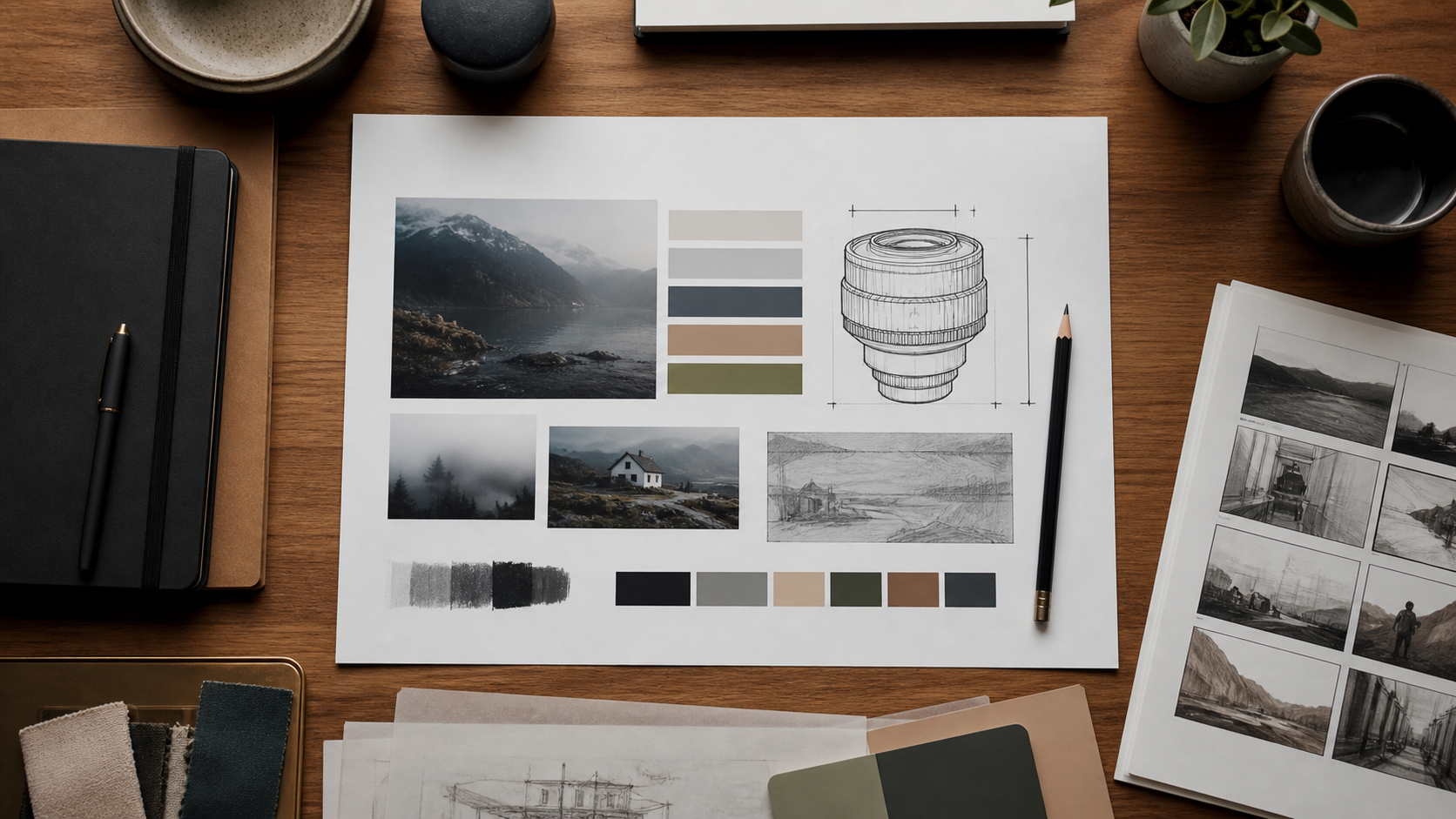
What you will make
Try this example: a person enters a familiar room, notices a closed red envelope on the desk, and becomes still. The audience does not need an explanation of the envelope. It needs to understand that the discovery matters. Plan an arrival shot, an object shot and a reaction shot, then assemble a short sequence.
You can use your own story, tool and editor. Keep a record of your prompts, settings and selected references so a revision is a deliberate test rather than a new lottery ticket. Use images and sound you have permission to use.
The five-step workflow
- 01
Write a visual brief
Choose one event and give each shot a job before writing prompts. Name the audience’s intended reaction, camera relationship, light and edit purpose.
Open the full lesson - 02
Build a reference board
Collect references for character, location, object and look. Annotate what to keep and what to ignore so the same rules survive every generation.
Open the full lesson - 03
Generate three shots
Make an arrival, a discovery and a response. Test one clear action per shot, inspect the entire clip and simplify movement when continuity breaks.
Open the full lesson - 04
Review and edit
Compare story clarity, continuity and editability. Keep, revise or reject each shot for a reason tied to the brief, then assemble a rough cut.
Open the full lesson - 05
Design the sound
Add room ambience and only the action sounds the picture supports. Use contrast and silence deliberately; test the export on headphones and a small speaker.
Open the full lesson
How to know it works
Show the rough cut to someone who has not heard your explanation. Ask what happened, what drew their attention, and where the sequence became confusing. If the event is unclear, change the shot that fails its story job. A more elaborate prompt cannot rescue an absent story beat.
The finished film should have three distinct shot purposes, a coherent person and location, usable cuts, and sound that supports the image. Save the brief, reference board, generation log and editable timeline alongside the export. That gives you a repeatable process for the next film.
SEE THE METHOD IN PRACTICE
Watch a director think through AI shots.
Suket’s filmmaking video and the creative archive show how direction, selection and editing shape the result.