
AI WORKFLOWS / PRACTICAL GUIDE
Gemini Tasks reaches free accounts in India: start with a research brief you can verify
Google is rolling out Task mode without a paid AI plan in India. A bounded source-finding brief is a useful first test; keep account permissions, regional limits and the final review in human hands.
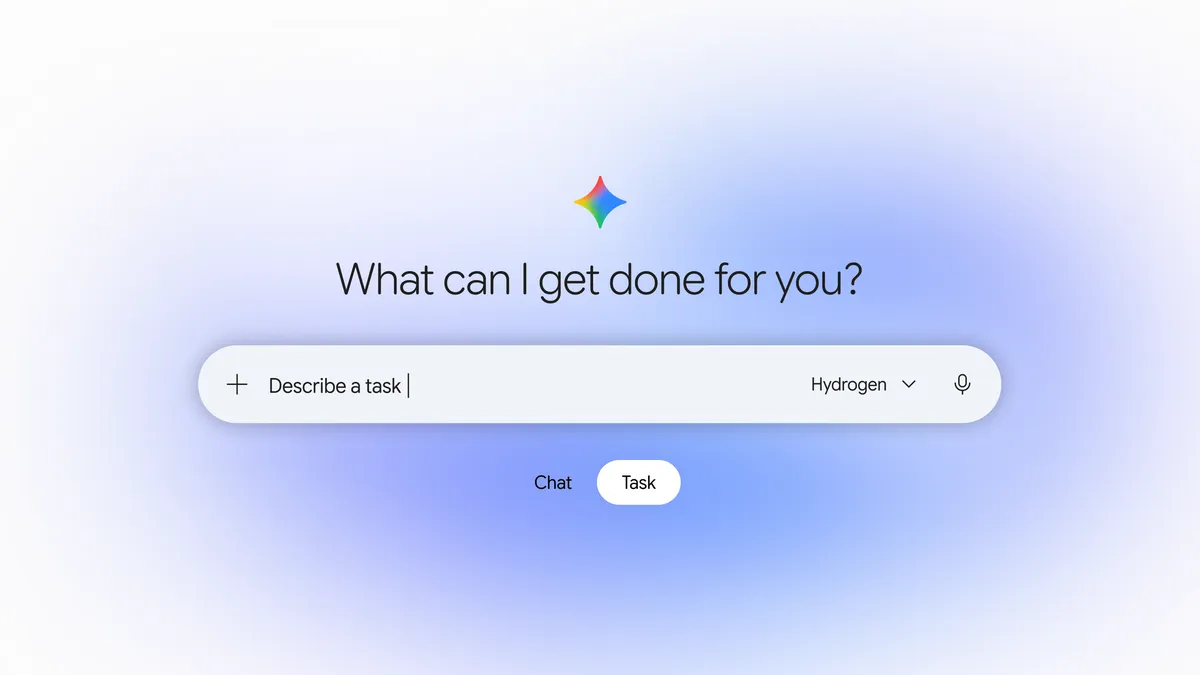
Google announced on 17 November 2026 that Gemini Tasks is rolling out without a Google AI subscription in India, alongside five other countries. In the Gemini app, Task mode lets a person hand off a multi-step job instead of receiving only a chat answer. For a learner or creator, the immediate opportunity is modest: collect a cited research brief for a lesson, script or project plan, then verify it. Google says more advanced features are starting in the United States, so its stories about placing phone calls, paying bills and texting Gemini should not be treated as promises of Indian availability. WASSAI has not independently tested the rollout. [1] [2]
Try a task with a visible finish line
Open gemini.google.com or the Gemini mobile app, select Task beneath the input box and give it one narrow assignment: “Find three primary sources from this month on a topic for a five-minute explainer. Return each link, its publication date, a one-sentence finding and one uncertainty. Do not post, email, buy or edit anything.” Google’s help page says Tasks can research with cited sources and create files. Start without connected accounts or private files; you can learn whether the output is useful before granting access to your inbox, Drive or browser. [2]
Check each link against the publisher’s page. Separate an announced feature from a feature you can actually use in your region and account. If a source is an AI summary, find the underlying document. Then ask Gemini to turn only the verified findings into a short outline with a source beside each factual sentence. This two-pass workflow produces an editable starting point, not a ready-to-publish article. Keep the original brief and the checked links so a collaborator can reproduce your decisions. [1] [2]
Keep permissions and scheduling proportional
Google’s help page says Tasks currently requires users to be at least 18, signed in with a personal Google Account, with History enabled; work and school accounts are excluded. It lists India among countries where no paid Google AI plan is required. Availability can still roll out gradually, so check whether Task appears in your own account before planning a deadline around it. If you do connect a service later, review the requested access and use a task that can be stopped and checked easily. [1] [2]
Do not put passwords, payment information or sensitive material directly into a task thread. Google warns that Tasks can make mistakes and that a scheduled task running while you are offline might take an unintended action. Its separate schedule guide says free accounts can schedule a task up to once daily in a broad overnight, daytime or evening window; precise times and event monitors require Pro or Ultra. For publishing work, keep an editor’s approval at the final step. A useful assistant saves the gathering time, while the creator remains responsible for what the audience sees. [2] [3]
Keep exploring
Sources
- Google: Put Gemini to work for you · Published 2026-11-17; checked 21 November 2026.
- Google Help: Manage your tasks and workflows in Gemini Apps · Undated; checked 21 November 2026.
- Google Help: Create and manage schedules for tasks in Gemini · Undated; checked 21 November 2026.