
AI VISUALS / PRACTICAL GUIDE
Genie 4 reaches AI Studio: test an interactive set before planning a shoot
Google’s world model now has a developer route. For creators, the useful first experiment is a one-minute location and camera test, with continuity and realism checked before anyone treats it as a production plan.
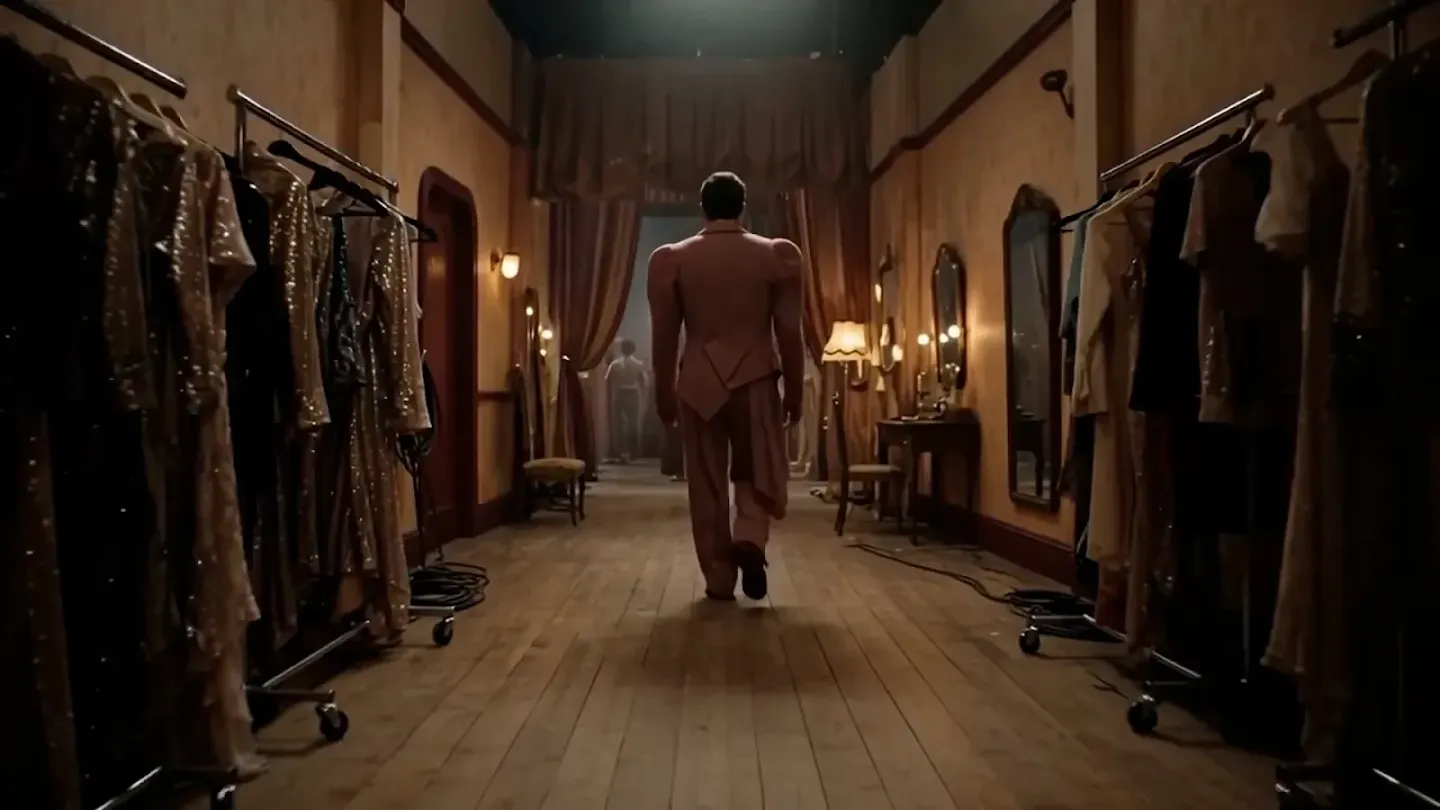
Google said on 19 November 2026 that Genie 4 is available to developers through Google AI Studio and the Gemini API’s Interactions API. It can start from text, a reference image or both, generating an interactive 720p world at 24 frames per second with synchronized audio. Keyboard controls and live prompts let a user move through the scene or change its weather, lighting and events. That makes the release interesting for creators who need to explore a set or camera idea before filming. It does not make a generated world a dependable location survey or finished commercial footage. WASSAI has not independently tested Genie 4. [1] [2]
Run one bounded previsualization test
Choose a simple creative brief, such as a person walking through a small studio set toward a product table. Write down three things that must stay fixed: the table’s position, the direction of travel and one lighting cue. In AI Studio’s interactive canvas, begin with a text prompt or a reference image you have permission to use. Move the virtual camera along the planned path, then make one live change, such as switching from daylight to warm evening light. Keep the prompt and a screen recording so collaborators can see what was requested and what the model actually produced. [1]
Judge the result against the brief rather than its visual appeal. Does the table remain in place after the turn? Does the subject keep the same clothing and scale? Does the lighting change while the room stays recognizable? Listen for audio that matches the action. Mark each failure in a short shot list. If the concept depends on an exact product label, architectural measurement or recognizable real location, use verified reference photography and a conventional storyboard for those details. A simulated walkthrough can help you discuss mood and blocking without becoming evidence that a shoot is feasible. [2]
Keep the preview boundary visible
Google DeepMind calls Genie 4 early technology and says visual details and object permanence can drift, especially after longer runs or multiple edits. It also says real-world locations are not represented perfectly, readable text is unreliable, and a continuous interaction currently lasts around a minute. These are meaningful limits for an ad director: a scene that looks convincing for a few seconds may fail when you reverse the camera or return to the same prop. Build your test around one short move, not a full sequence. [2]
Google says outputs include SynthID watermarking. Label any shared frame or recording as AI-generated, and check current access and pricing before committing a production budget. Use the best moments as annotated references for a human shot plan: camera path, atmosphere and questions to test on location. If the model loses continuity, that is a useful planning finding, not a reason to hide the break in a client presentation. The value of Genie 4 here is rapid exploration of possibilities; the final visual and factual promises still need the usual creative and production checks. [1] [2]
Keep exploring
Sources
- Google: Genie 4 is now available on the Gemini API · Published 2026-11-19; checked 20 November 2026.
- Google DeepMind: Genie 4 model overview and limitations · Undated; checked 20 November 2026.