
AI VISUALS / ANALYSIS
Images 2.6: test a product GIF without changing the product
OpenAI’s new image release adds GIF creation and promises faster edits. A short loop is a useful test only when the product, label and message stay true to the source.
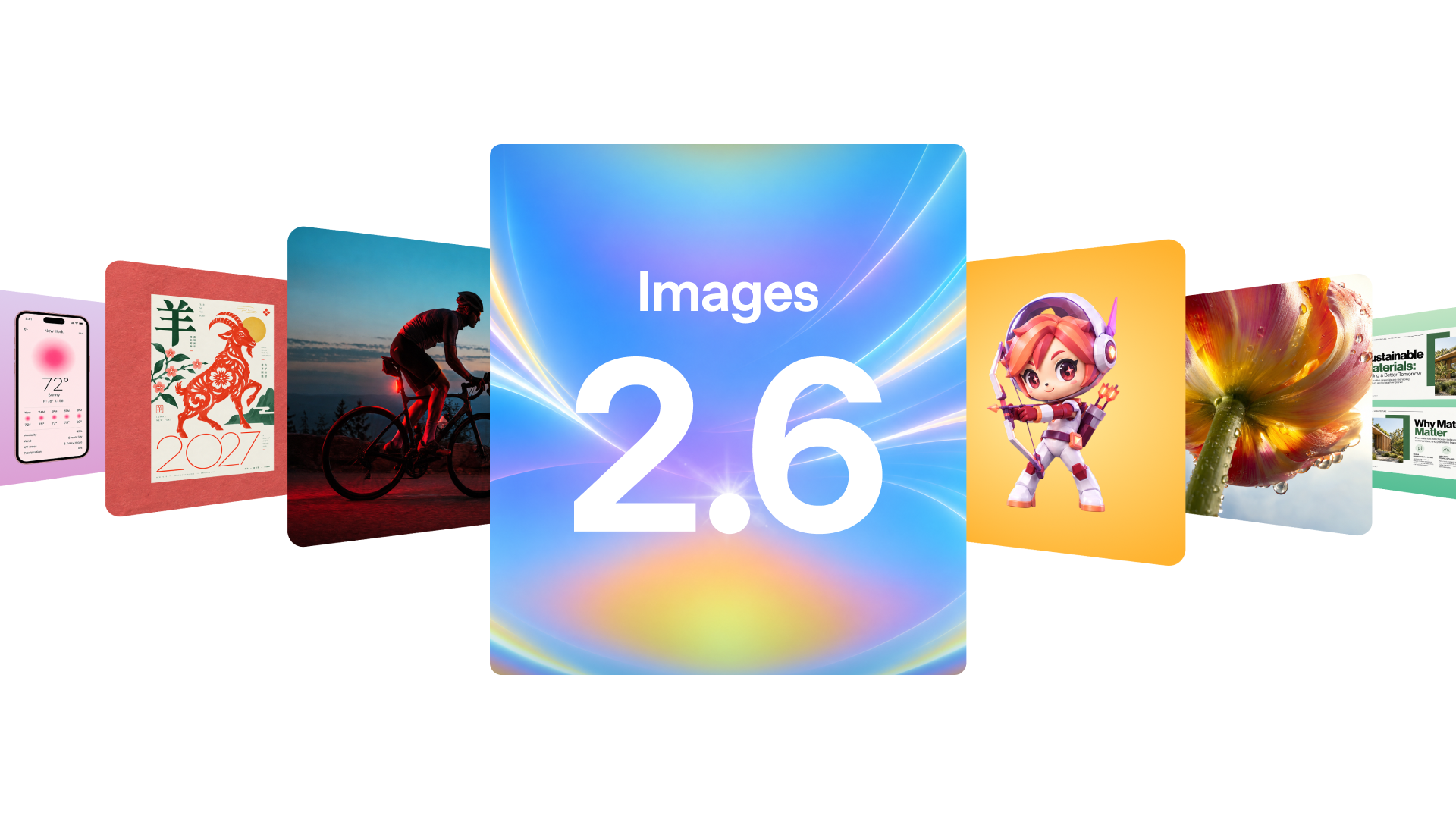
OpenAI introduced Images 2.6 on 4 November 2026 for ChatGPT, Codex and the API. The release adds GIF creation, including loops built from product shots, and says image generation is 50% faster than before. OpenAI also says editing can better preserve characters, products and brand details. These are company claims; WASSAI has not benchmarked the model. For a creator preparing a product post, the useful test is whether a small amount of motion attracts attention without changing what the product actually looks like. [1]
Choose what must stay fixed
Start with a photograph you own or are allowed to use. Pick one product, one background and one simple motion, such as a light moving across the backdrop or a small prop shifting beside the item. Keep the product itself still for the first trial. Write down the details that cannot change: shape, colour, packaging, logo, label text and any visible quantity. Save the original as the comparison frame.
OpenAI says Images 2.6 is available globally in ChatGPT and Codex across subscription tiers on desktop, mobile and web. The API offers Flare and Sunburst variants, with Flare positioned for faster generation and Sunburst for higher detail and consistency at medium or high quality. A creator need not start with the API. Choose the interface you already use and judge the actual result, not the model label. [1]
Ask for a restrained loop
Describe a short repeating GIF in one sentence: “Keep the bottle and its printed label exactly as in the reference; animate only a soft reflection moving across the background; return to the starting frame.” Keep the first request simple. If the product rotates, the model may have to invent unseen surfaces. If you need a full turntable view, photograph those angles yourself or verify every generated side against approved references.
Inspect the first, middle and final frames at full size. Look for drifting logos, invented words, disappearing edges and a jump when the loop restarts. Then shrink the GIF to the size it will appear in a feed or message. A subtle effect can disappear on a phone, while excessive movement can make the product harder to read. Make one targeted edit and compare again with the original image.
Publish only the version you can defend
Test the loop beside the still image with the same caption and audience. Measure a useful outcome, such as whether viewers understand the product or click through, rather than treating motion as an automatic improvement. If the GIF changes a claim, pack size or material finish, discard it even if it looks polished. Keep the source photograph, prompt and approved export together for later review.
OpenAI also announced image markup for the API and SVG exports, but those are separate production options, not evidence that a GIF will preserve every detail. The new release may shorten iteration; the final accuracy check remains a human decision. [1]
Sources
- OpenAI: Introducing Images 2.6 · Published 2026-11-04; checked 5 November 2026.