
CREATOR WORKFLOW / FIELD NOTE
Turn an Android Tablet into a Video Editing Workstation
A portable editing workflow for creators who need to work where the story happens.
A companion article to Suket Dedhia’s YouTube video ↗
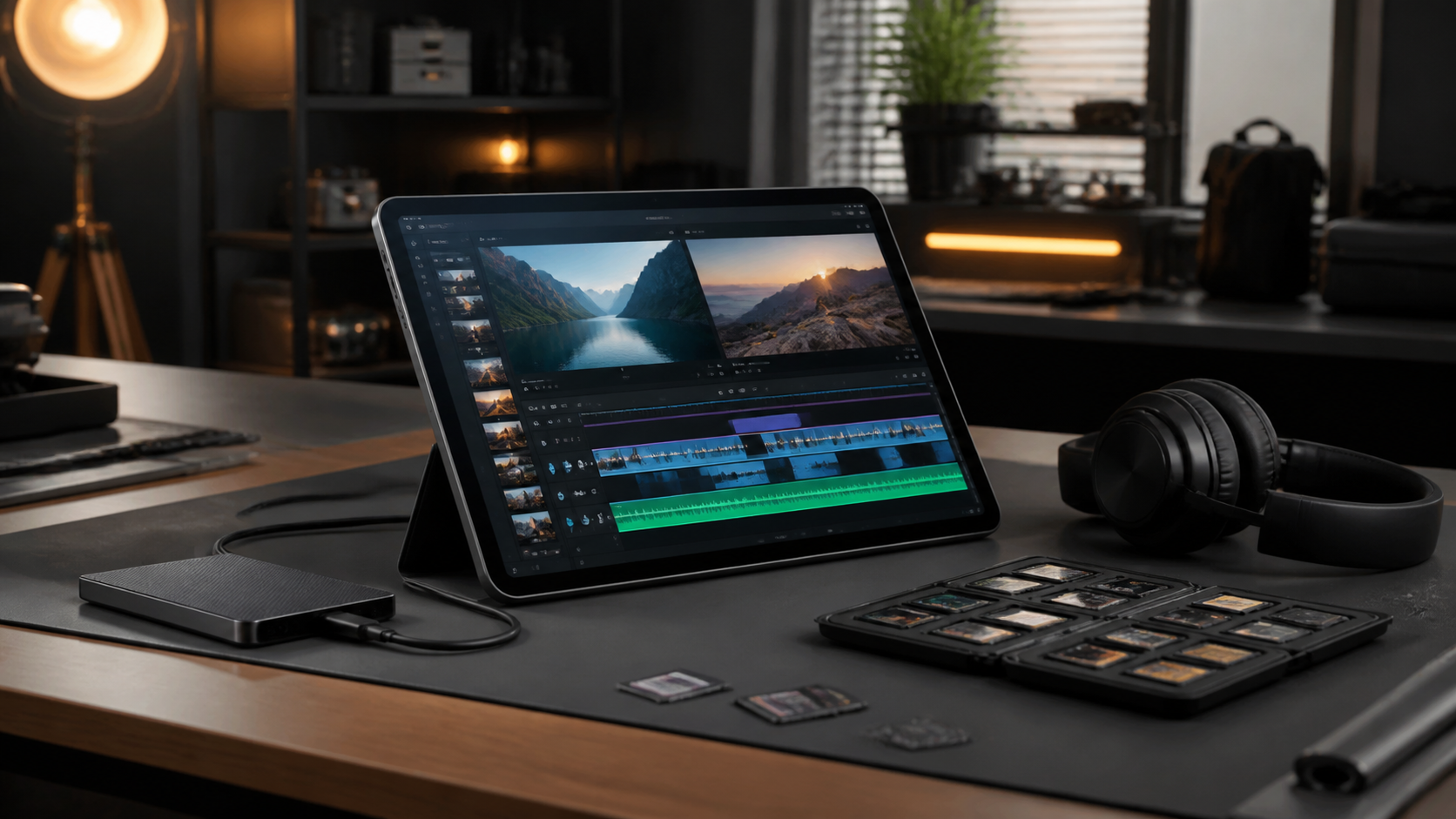
A portable editing workflow is not simply editing on a smaller screen. It is a system for choosing what to prepare, what to cut on location and what to finish later. This Android tablet video-editing guide is for creators who want a dependable mobile process without compromising the story.
What this workflow changes
Design the project around media hygiene. Before a shoot, create a consistent folder structure, name cards and back up original footage. On a tablet, clarity matters even more because storage and screen space are limited. Keep proxies, exports and source media distinct so the project stays recoverable.
How to build the process
Use the tablet for high-value editorial work: logging, selects, rough structure, captions and social versions. These are decisions that benefit from being close to the footage. Reserve heavy effects, large multicam work or complex finishing for the environment that can handle them reliably.
Create a repeatable travel kit. Power, headphones, a card reader, storage, a stand and a simple monitoring routine remove the small obstacles that make mobile editing frustrating. The best portable workflow is the one you can set up in minutes and trust when you are tired.
Make the final pass count
Export with the platform in mind. Check the first frame, captions, audio loudness and crop before publishing. A mobile workflow is especially useful for iteration: make a version, watch it in the feed context, then adjust from the audience’s point of view.
Frequently asked question
Can an Android tablet be used for professional video editing?
It can be excellent for organised editorial work and quick delivery when the project is planned around the device’s strengths and limitations.
This is an original field note. Return to the linked video for the source demonstration, examples and context.