
AI VIDEO / ANALYSIS
Synthesia in ChatGPT: choose the right path from brief to video
Synthesia’s new ChatGPT plugin offers a fast video format and a Studio route for exact scripts. A short, approved brief is the right place to test both.
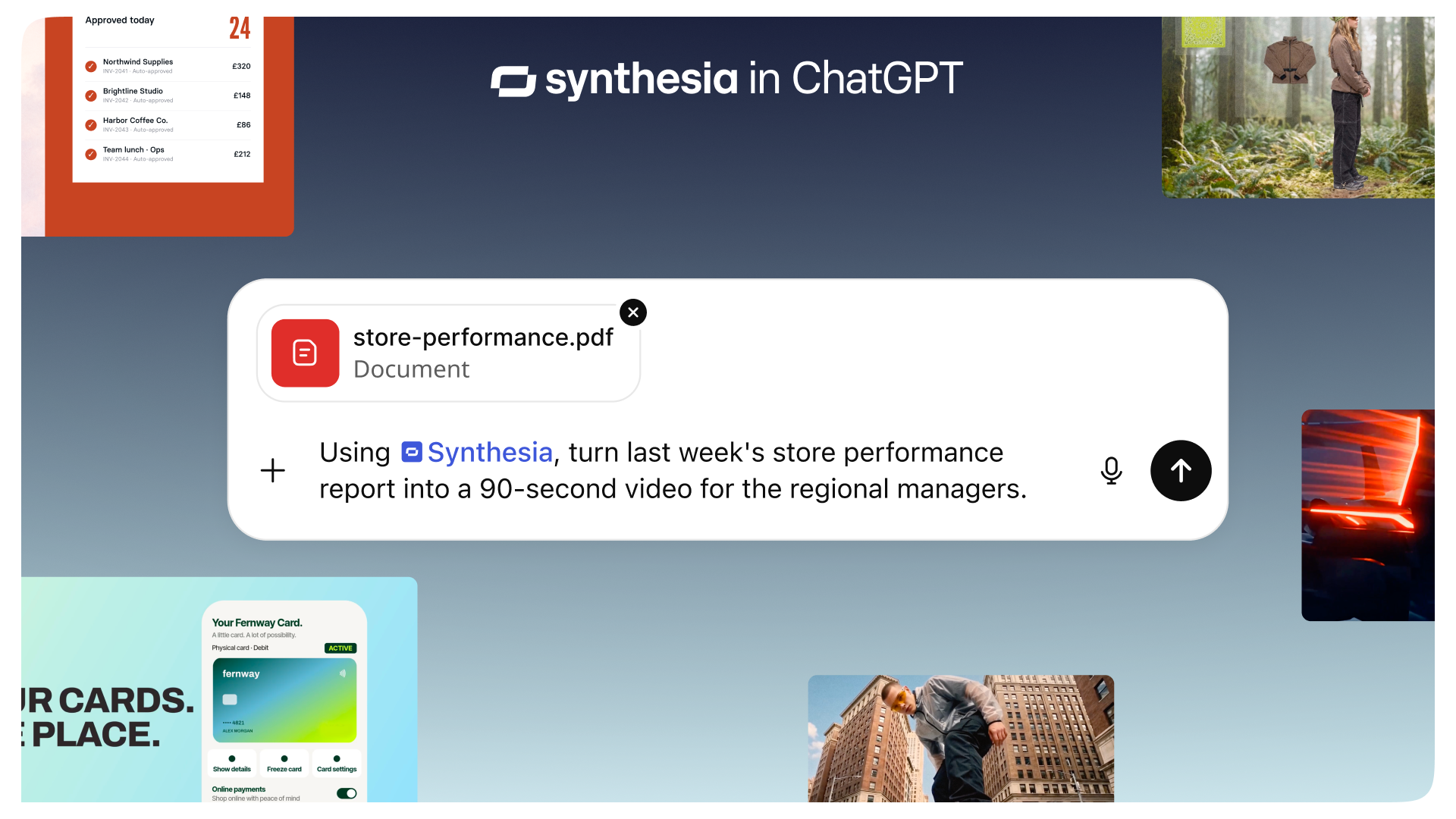
Synthesia announced a ChatGPT plugin on 3 November 2026. The company says users can describe a video or share a document, deck or spreadsheet, then create and refine the video in the same chat. For creators, that removes a handoff between a written brief and a first cut. It does not remove the need to check whether the script, visuals and claims match the source. The most useful first test is one short video from material you already approved. [1]
Prepare a brief the video can be judged against
Choose a simple 30-second explainer: one new feature, who it helps and the action a viewer should take. Write those three points in a small document, with the exact product name and any numbers verified separately. Mark phrases that must remain word for word. Use only images, logos and source files you have permission to place in the video. This gives you a clear reference when a generated cut sounds persuasive but changes the meaning.
Synthesia says its plugin is available on every Synthesia plan and can be connected from the ChatGPT Plugins menu. Its default video path is Syren, which combines motion graphics, avatars, voiceover, music and b-roll. Ask for a first draft in that format when the structure is flexible and speed matters. Keep the request narrow: audience, length, message and visual style. [1]
Use Studio when wording is fixed
For a tutorial, safety instruction or approved campaign line, exact wording may matter more than a fast first cut. Synthesia says to request “make it in Studio” when you need a word-for-word avatar script, brand kit or template. Its announcement says you can then open the editor for scene-by-scene changes. Make that choice before generation, and keep the approved script beside the output during review. [1]
Watch the video with sound and then without it. Check every spoken number, name and call to action; inspect on-screen text for missing words; and ask whether the b-roll actually depicts the subject. Note any scene that implies a feature or result your source does not establish. Revise one issue at a time, then watch the whole video again because a local change can affect pacing elsewhere.
Keep automation behind a review gate
Synthesia also describes workflows that can turn connected-tool updates into videos on a schedule or when an event arrives. That may suit a recurring announcement series, but start with a manual run. Record what the plugin used as source, how long the review took and which corrections repeated. Only consider a recurring workflow when a person can still approve the final message and visuals before they are shared. [1]
This is a suggested creator test, not a WASSAI performance review of the plugin. Compare the final video with the original brief, not just with the first AI draft. A faster route is valuable only if the finished piece stays accurate, readable and recognisably yours.
Sources
- Synthesia: Synthesia Launches Plugin in ChatGPT: Create Video Without Leaving the Chat · Published 2026-11-03; checked 4 November 2026.