
AI AUDIO / ANALYSIS
Scribe v3 Live: test the Hindi-English switch before trusting live captions
ElevenLabs has launched new recorded and realtime speech models. A small, labelled Hinglish clip set can reveal whether the live model helps your actual caption workflow.
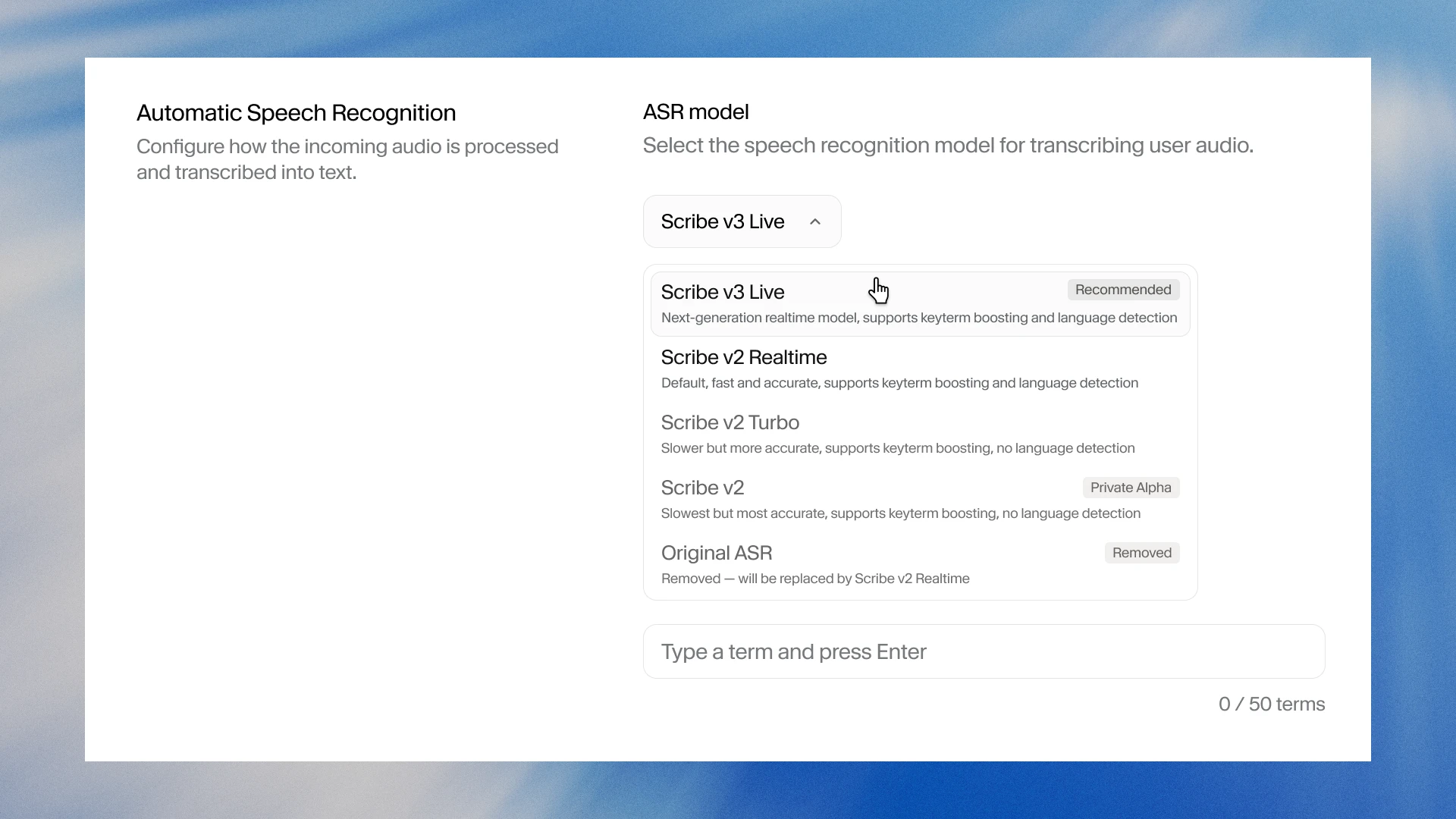
ElevenLabs launched Scribe v3 for recorded audio and Scribe v3 Live for realtime speech on 10 November 2026. The company says the live model adds a multilingual mode for conversations that switch languages mid-sentence, a problem familiar to creators recording in Hinglish. Both models are available through ElevenAPI, while Scribe v3 Live is also available in ElevenAgents. That makes a practical pilot possible, but the launch does not prove that your own captions will handle every accent, brand name or noisy recording. WASSAI has not independently tested the models. [1]
Build a test that sounds like your work
Collect a small set of recordings you have permission to use: a clean solo explanation, a street interview, a two-person exchange and a short product pitch. Include natural Hindi-English switches, not just separate Hindi and English sentences. Add the names, prices, acronyms and local place names that matter in a real caption or client edit. Write a human-checked reference transcript before running any model, and mark where each language changes.
Test the live model against your existing transcription process with the same audio. Keep language settings, keyterms and audio conditions documented. ElevenLabs says Scribe v3 Live supports mid-sentence multilingual mode and a keyterm library; Scribe v3 for recorded files offers keyterm prompting and formatting controls. Do not mix a live result with a polished batch transcript and call it a fair comparison. Check which mode matches your publishing workflow. [1]
Count the errors that reach viewers
Review each output against the reference. Record wrong or missing words, speaker-label mistakes, delayed captions and broken language switches. Give extra weight to brand names, amounts, negations and calls to action: a tiny numerical change can alter the meaning of an ad. Also inspect the exported caption timing and line breaks on a phone screen. Word accuracy alone cannot tell you whether a subtitle is readable in motion.
ElevenLabs reports that Scribe v3 made 27% fewer word errors than v2 across its 102-language FLEURS evaluation, and that v3 Live reduced semantic word error rate by 43% versus v2 Realtime. The company says the FLEURS material is short, clean read speech and separately describes a 16-language dataset of real meetings, calls and voice notes. These are vendor-run evaluations, not a measured Hinglish-caption result for your footage. [1]
Decide with correction time
Track how long an editor spends fixing each transcript and whether the final captions pass the same review standard. If the live output helps a stream or quick rough cut but batch transcription needs fewer corrections for release, use the modes for different stages. Keep a person approving the final subtitles, especially around language switches and claims. The useful question is not which model wins a headline benchmark; it is which process produces accurate, readable captions with less total work on your material.
Sources
- ElevenLabs: Introducing Scribe v3 and v3 Live, our most accurate speech to text models · Published 2026-11-10; checked 13 November 2026.