
AI CREATIVE WORKFLOWS / ANALYSIS
Runway App Studio: turn one repeatable creative task into a testable app
Runway now lets paid users build media apps by describing a workflow. Start with one product-asset task and judge whether the result survives real brand checks.
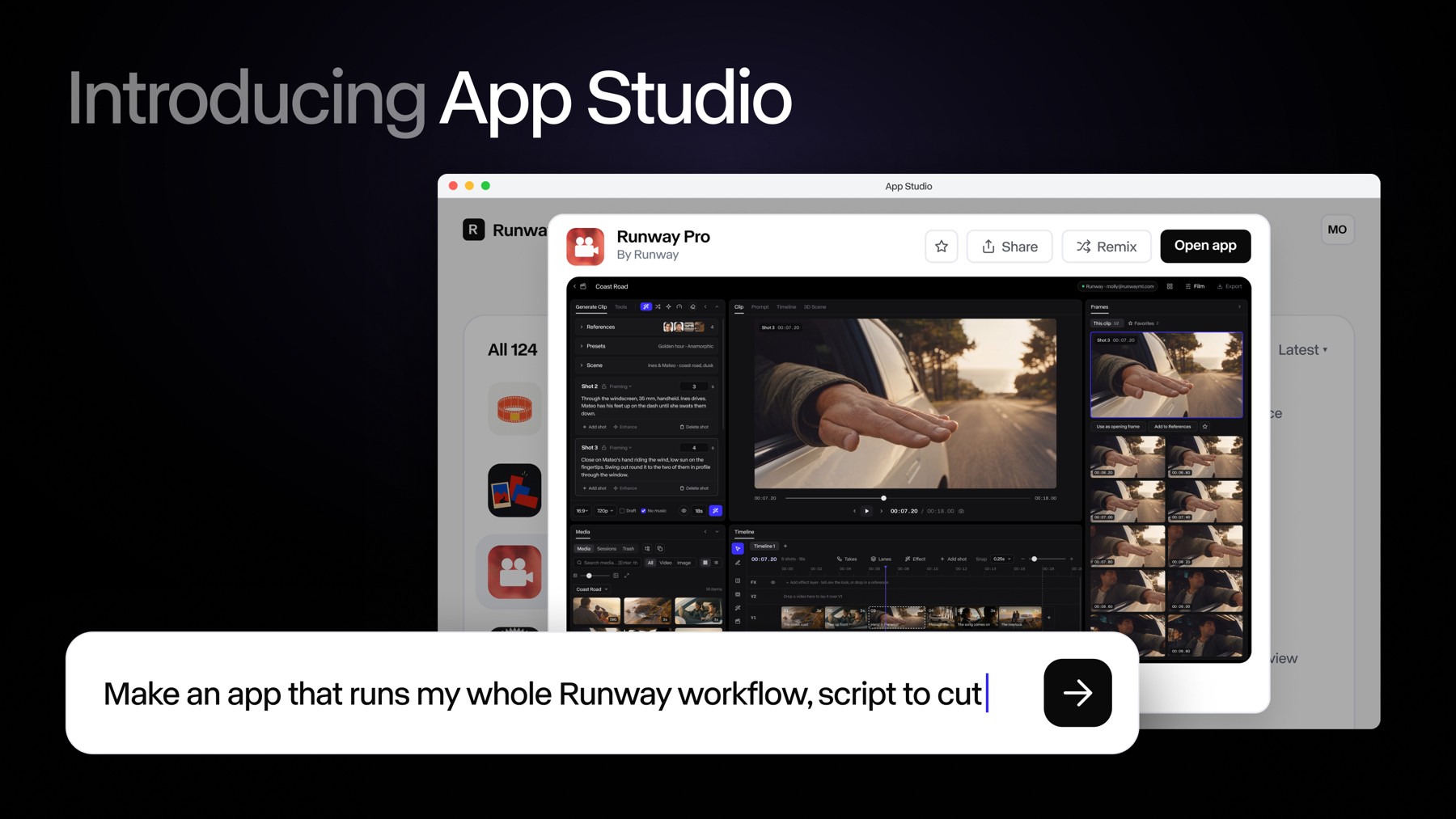
Runway launched App Studio on 26 October 2026. According to its announcement, a paid user can describe a custom creative tool in plain language and build an app inside Runway that uses its image, video and audio models alongside Brand Kits, Workflows, assets and references. The company says apps can be previewed, revised and shared. For a creator or small team, the interesting question is whether a reliable production method can become a simple interface that someone else can run without repeating the expert’s prompts. WASSAI has not independently tested App Studio. [1]
Choose a task narrow enough to judge
Start with one SKU and one deliverable: two square product images for a shop listing. Supply photographs you own, approved brand colors, the exact pack label and a short list of allowed claims. Ask the app to accept only those inputs and return two compositions at the required size. Define a failure in advance: changed spelling, a warped logo, a missing variant mark or an invented benefit. A broad request to “make campaign assets” hides too many decisions to assess.
Runway lists Product Portfolio for turning product photos into visuals, AutoComp for placing products into footage, and Precise Edit for a local image change among its built-in examples. These are company-described capabilities, not proof that a particular pack will remain accurate. Try a built-in example first if it matches your task; build your own only when the input rules or review steps need to differ. [1]
Run three controlled jobs
Use the same brief on three real products or variants. Keep a reference image beside each output and score four things: pack accuracy, brand consistency, usable composition and correction time. Ask a teammate who did not design the workflow to run the third job. Record where they had to guess what to upload or what an output meant. If they need the original expert at every step, the interface has not yet captured the method.
Runway says an existing Agent session or Workflow can become an app with its prompt, model chain and settings retained. Its builder also lets users preview changes and roll back versions. Treat those controls as a way to improve the tool after a failed test: change one instruction, rerun the same inputs and compare results before releasing a new version to the team. [1]
Count cost and protect the handoff
App Studio is available on Runway paid plans, with building, generations and hosting drawing from the account’s existing credits, according to Runway. Set a credit ceiling before experimenting and check the sharing audience before publishing an app. Store the source photos, approved claims, tested outputs and the version used for each job. Human review remains necessary before a product image reaches a customer: no reusable interface can make an altered label or unsupported claim acceptable. [1]
Sources
- Runway: Introducing Runway App Studio · Published 2026-10-26; checked 27 October 2026.