
AI VIDEO PRODUCTION / ANALYSIS
Kling 4.0 in YouCam: storyboard the product story before generating
YouCam says Kling 4.0 can build a 30-second video around as many as ten keyframes. A five-beat product brief offers a useful test of continuity, sound and control.
Perfect Corp. announced on 23 October 2026 that Kling 4.0 is available in its YouCam lineup on mobile and web. The company says creators can supply up to ten keyframes and generate up to 30 seconds of continuous video with dialogue and stereo sound. Kling’s own release material describes the same keyframe and duration limits. That combination invites a different experiment from simply prompting for a stylish clip: can a short product story follow planned beats without changing the product halfway through? WASSAI has not independently tested the integration. [1] [2]
Build five frames before writing the prompt
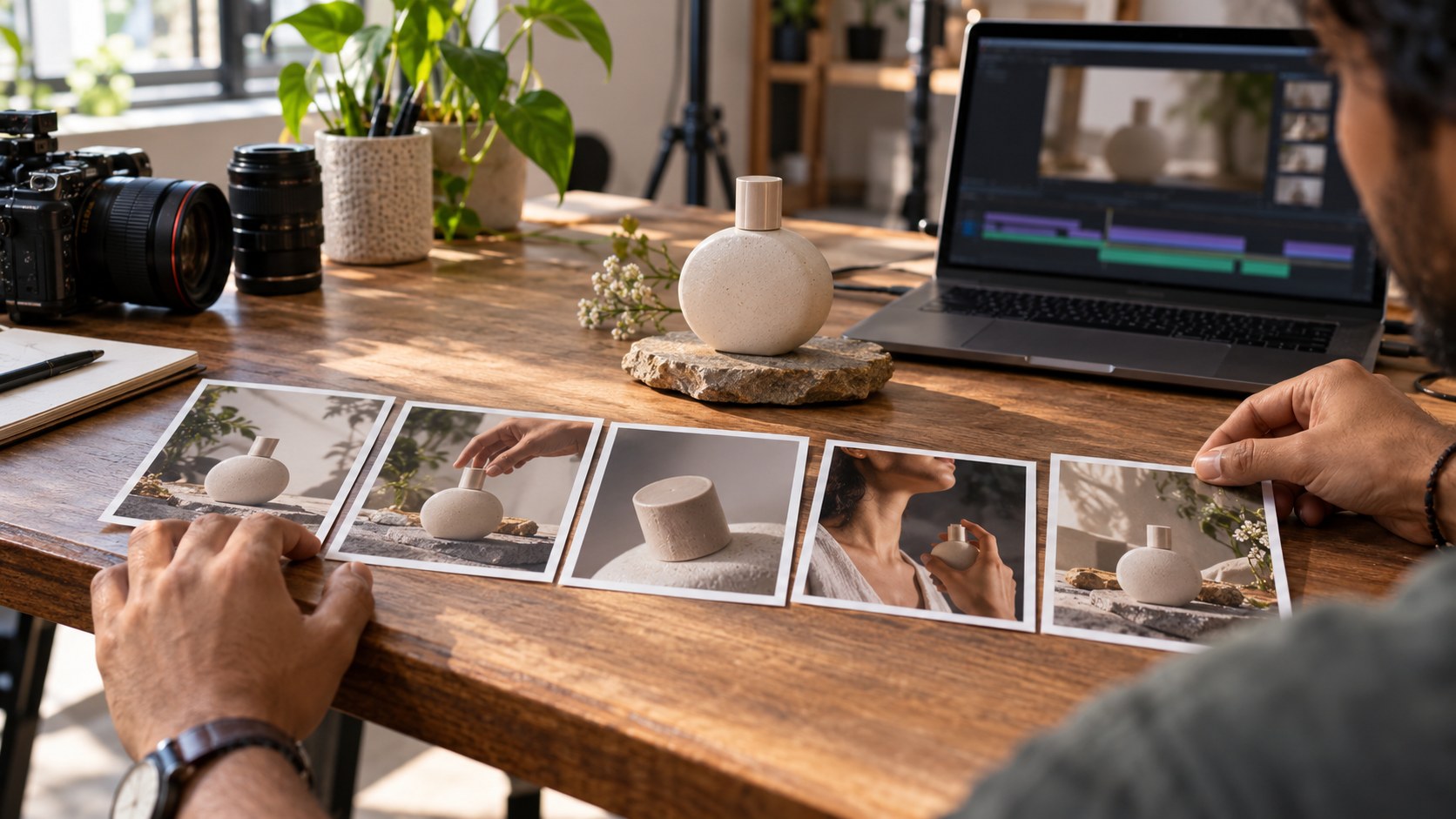
Start with one physical product you can photograph from several angles. Make five reference frames: an establishing view, a hand approaching, a useful detail, the product in use and a clean closing view. Keep the pack shape, color, label and setting consistent. Write one sentence explaining the action between each frame. The keyframes should carry the visual decisions; the prompt should describe motion, timing and sound between them.
Perfect Corp. presents keyframes as a way to specify opening, intermediate and ending moments rather than leaving the whole sequence to one text instruction. Its 30-second limit is a maximum, not a reason to fill every second. Try a shorter cut first, and check which controls your YouCam account exposes before committing a client schedule or budget. [1]
Judge the transitions, not just the stills
After generation, watch at normal speed and pause between every planned beat. Does the same product appear in the same hand? Does the label remain readable and accurate? Are shadows, surfaces and camera direction plausible as the scene moves? A sequence can hit all five still-image targets yet fail in the motion between them. Save the input frames and first output so a second attempt can change only one variable, such as a camera move or an overloaded transition.
The release also describes mixed image, character and video references, plus synchronized dialogue. If you use a person’s face or voice, obtain permission and record what was supplied. If your account offers the intended language, test names, prices and pronunciation with a native speaker. Kling’s September announcement lists Hindi and Indian English among its model language options, but it does not prove every option is exposed in every YouCam surface. [1] [2]
Decide whether it is usable
Review the export at phone size with sound both on and off. Check every visible word against the real packaging, listen for clipped dialogue, and confirm that music or effects do not hide the message. Log generation credits, time spent fixing continuity and any manual edit needed. Compare that total with a simple filmed or edited version of the same brief. The useful result is whether the planned story reaches delivery quality within your budget, not whether the model produced a striking first frame.
Sources
- Perfect Corp.: YouCam integrates Kling 4.0 API · Published 2026-10-23; checked 26 October 2026.
- Kling AI: Introducing Kling 4.0 · Published 2026-09-30; checked 26 October 2026.