
AI VIDEO / PRACTICAL GUIDE
Google Vids personal avatars reach free accounts: make a small test before publishing
Google says personal account holders can now create an avatar of themselves at no cost. A short, disclosed test helps creators check the result and the account limits before using it publicly.
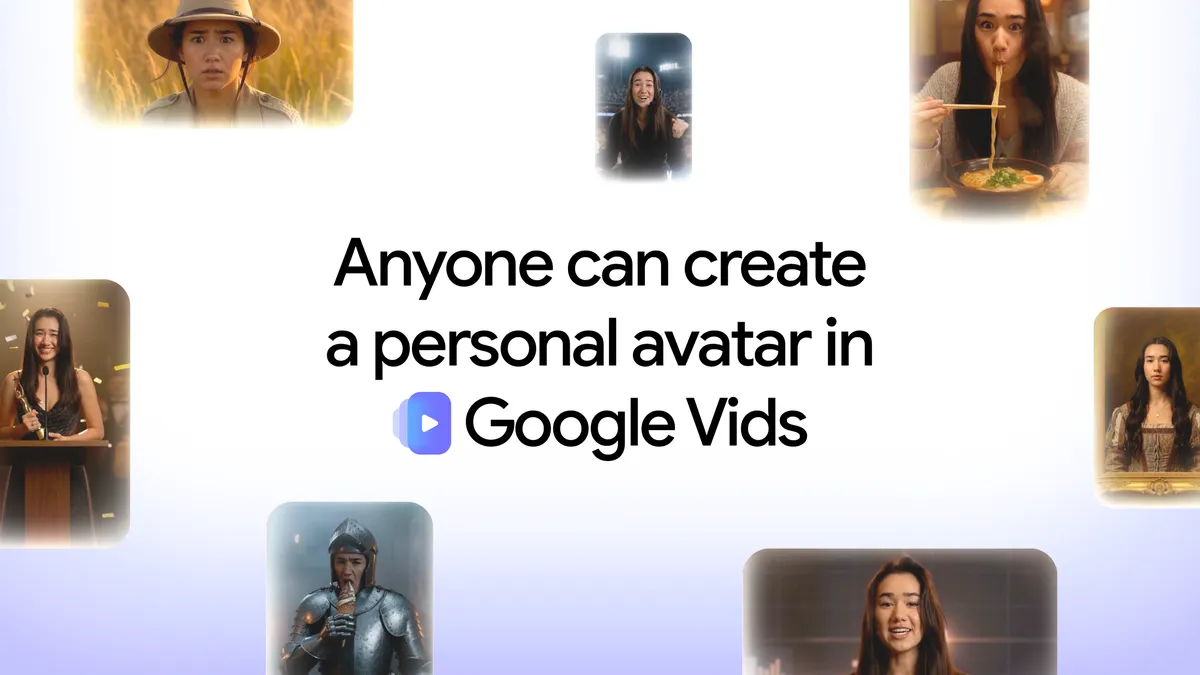
Google announced on 17 November 2026 that personal avatars in Google Vids are available to people with personal Google Accounts at no cost. The feature records your face and voice, then lets you write a script for a digital version of yourself to speak in a video. Google says the avatar stays linked to your account, can be reused across scenes, and is restricted to the account holder’s likeness. For a teacher, freelancer or creator, that could make a repeatable introduction easier. It does not establish that the generated voice, expression or message will be ready to publish. WASSAI has not independently tested the feature. [1] [2]
Start with one short, low-stakes clip
Open vids.new on a desktop and look for Personal avatar. Google’s instructions say to scan the QR code with a phone or tablet, follow the face-and-voice capture prompts, then generate a clip. Record in a quiet space with your face clearly visible; keep other people and faces out of the background. The capture is for the account owner, who must be at least 18. Start with a 20-second self-introduction or a simple lesson opening, using facts you can verify yourself. Avoid a client endorsement, product promise or safety instruction for this first test. [1] [2]
Watch the output with the script beside it. Check names, pronunciation, timing, lip movement and whether the tone sounds like something you would actually say. Ask a colleague to flag any confusing or uncanny moment without telling them what you expected. If the clip changes your meaning, revise the script or record yourself normally. A polished-looking avatar is not a substitute for checking what an audience will hear and understand.
Know what the announcement does and does not settle
Google’s new announcement says personal accounts can create an avatar at no cost. Its currently available Help page, however, still says an eligible Workspace subscription is required. That mismatch may reflect documentation lag; it does not prove that every account already has access. Check the option in your own account before planning a deadline around it. The same Help page says the feature currently supports English only and is unavailable in the EEA, Switzerland and the UK. Do not assume it can deliver a Hindi or multilingual script accurately because the avatar resembles you. [1] [2]
Before sharing, label the clip as AI-generated and keep your original script for review. Google documents options to retake or delete the personal avatar through account settings, and says that change affects other Google services given access to it. Consider that account-wide connection before recording your likeness. If the test succeeds, use the avatar for a bounded purpose, such as an introduction that you can update and recheck. Keep a real recording or text version for viewers who prefer it. The useful question is whether the clip communicates your verified message clearly, not whether it can stand in for you everywhere. [2]
Sources
- Google: Anyone can create a personal avatar of themselves in Google Vids, at no cost · Published 2026-11-17; checked 18 November 2026.
- Google Docs Editors Help: Create, use and manage your personal avatar with Gemini in Google Vids · Undated; checked 18 November 2026.