
AI MUSIC PRODUCTION / ANALYSIS
Flow Music Spaces can become audio plugins: build one effect you can test
Google now lets producers export natural-language-built Spaces as VST3/AU plugins. Start with a narrow sound problem, then compare the result inside a real session.
Google announced on 6 October that Spaces made in Flow Music can now be exported as VST3/AU plugins for use in digital audio workstations. Spaces already lets creators describe custom instruments or effects in natural language, without writing code. The useful change is where the result can live: a producer can try a tailored tool in the same session as their ordinary tracks, rather than treating an AI experiment as a separate destination. [1]
Choose one repeatable sound problem
Begin with a task you can hear and measure. A video creator might want a transition effect that softens a harsh voice-to-music cut; a beat maker might want an instrument with a particular short attack and lingering tail. Describe the input, the intended change, and the controls you need. “Make my sound cinematic” is difficult to assess. “Give spoken-word transitions a short, adjustable echo without burying consonants” gives you something concrete to audition.
In Flow Music, ask Spaces for a single purpose effect or instrument first. Keep the brief to a few controls whose meaning is clear, such as intensity and duration. Google says these custom Spaces can be exported as plugins, but its short announcement does not specify compatibility with every workstation, operating system or project setup. Check the export options and installation instructions available in your account before building a client deadline around the tool. [1]
Test it inside the actual edit
Create a small session with three examples: clean dialogue, a busy music bed and a quiet passage. Duplicate each track, leave one copy untreated, and apply the exported plugin to the other. Match playback levels before comparing. If the processed version only sounds better because it is louder, reduce its output and listen again. Check whether the effect introduces clicks, masks speech or changes the mood in a way that conflicts with the scene.
Then test the boring production details: reopen the project, change a control, export a short mix, and listen on headphones and a phone speaker. Save the prompt and plugin version with the project. If a collaborator needs to open the session, confirm they can access the same plugin or print an audio stem. These checks are WASSAI’s workflow recommendations, not capabilities Google has independently validated for every setup.
Keep the human ear in charge
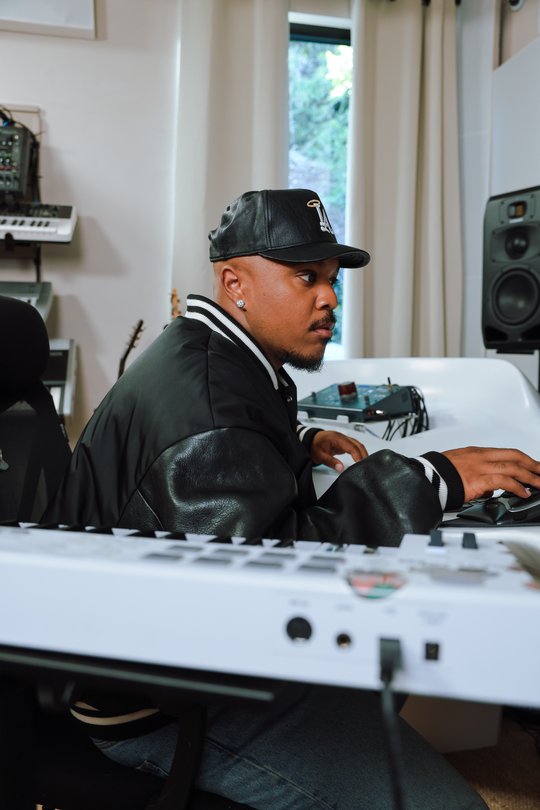
Google points to producer Khris Riddick-Tynes, who made a Space called “No Chaser” to help polish instrumentals and vocals. That example shows the intended direction, not a guarantee that a newly described plugin will deliver studio-quality results. Compare your result with a trusted existing effect and keep the simpler option if it sounds clearer. For learners, the strongest use of Spaces may be discovering exactly which audio problem they are trying to solve before adding another tool to the chain. [1]
Sources
- Google: Producers can now vibe code their own music production tools using Google Flow Music · Published 2026-10-06; checked 11 October 2026.