
AI BRAND WORKFLOWS / ANALYSIS
Gemini adds brand styles: test a campaign across three assets
Google’s new small-business tools can retain a visual style from brand materials. Use a small campaign test to check consistency, accuracy and final-edit effort.
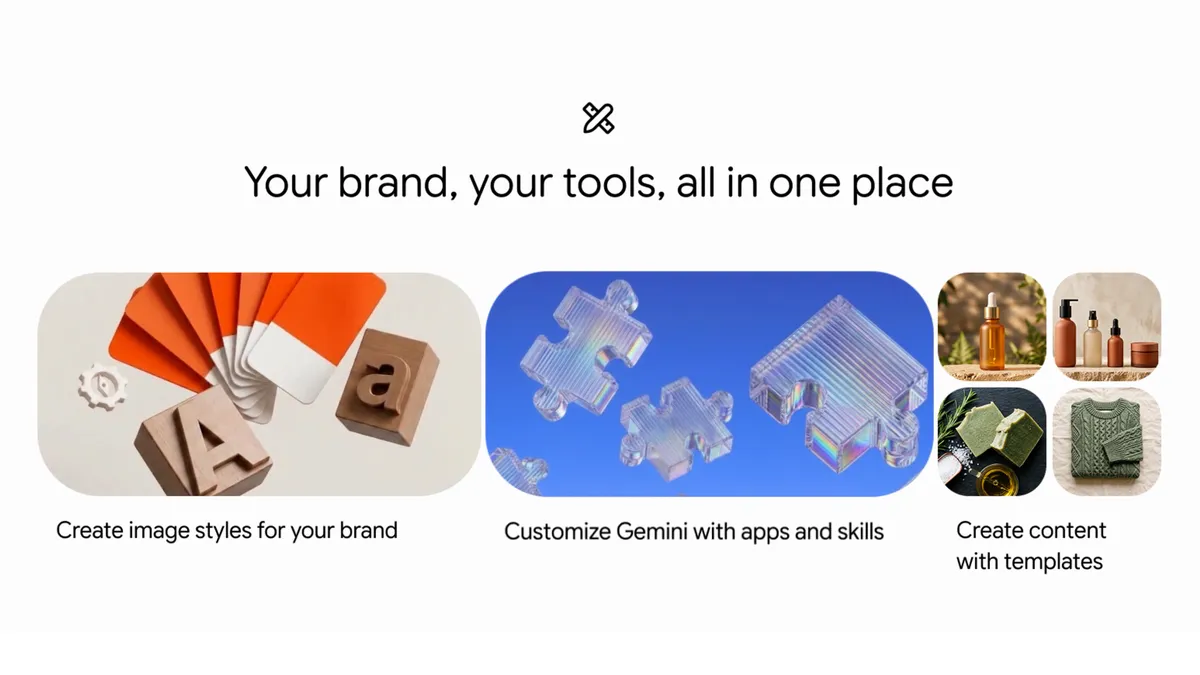
Google announced new Gemini tools for small-business owners on 20 October 2026. They include a business landing page, connections to Google and third-party apps, and a way to define brand style using a website, brand kit, fonts or color palettes. Google says Gemini can retain that style for later visual work. For a creator managing a small brand, the useful question is whether this produces a coherent set of assets that still represents the product correctly. WASSAI has not independently tested the tools. [1]
Set a brief small enough to judge
Pick a launch or promotion with one message and one audience. Prepare approved brand materials: logo, colors, typography, product photographs and the exact words you are allowed to use. Include a short list of things to avoid, such as unsupported claims, off-brand backgrounds or invented packaging details. Use materials you own or are authorized to supply.
Google says the brand-style feature is paired with Nano Banana 2.1 for visual results. The business landing page and new connected apps are beginning a global rollout over the coming days, so check what your account actually offers before building a workflow around it. The announcement names connections such as Google Business Profile, Adobe, Canva, Shopify and Wix; it does not mean each connection is already enabled for every user. [1]
Create one three-asset set
Test a square product post, a vertical story and a simple website banner from the same brief. Keep the product, message and desired visual mood fixed while changing only the format and composition. Save the instructions and outputs for comparison. If a connected app is involved, confirm what data and permissions it requests before linking it to a live brand account.
Review the three assets together at their actual display sizes. Are the colors recognizable, type readable and product shapes faithful? Does the story crop hide a key detail? Has the banner repeated a phrase that only made sense on the post? Record every manual fix, including retyping copy, replacing imagery or adjusting spacing. Consistency should be assessed across the set, not from the strongest single result.
Measure the work after generation
Check each visual against the approved source material. Look closely at labels, product counts, logos, prices and offer conditions before posting. If a generated image makes a factual promise, rewrite or remove it until the claim can be verified. Ask someone unfamiliar with the brief to identify the brand and main message without explanation. Their answer can reveal whether the system preserved the intended hierarchy.
Finally, compare the time spent preparing inputs, generating options and repairing the selected assets with your usual process. Keep the brief and corrections as a reusable reference for the next campaign. The feature may reduce repeated setup, but the result still needs a creator to protect accuracy and make the final design decision.
Sources
- Google: New Gemini tools for small business owners · Published 2026-10-20; checked 21 October 2026.