
AI VIDEO / ANALYSIS
Gemini Omni 1.2 Flash: test a 15-second product video frame by frame
Google’s new video model promises longer clips and conversational edits. A small reference-led test can show creators what survives across the whole shot.
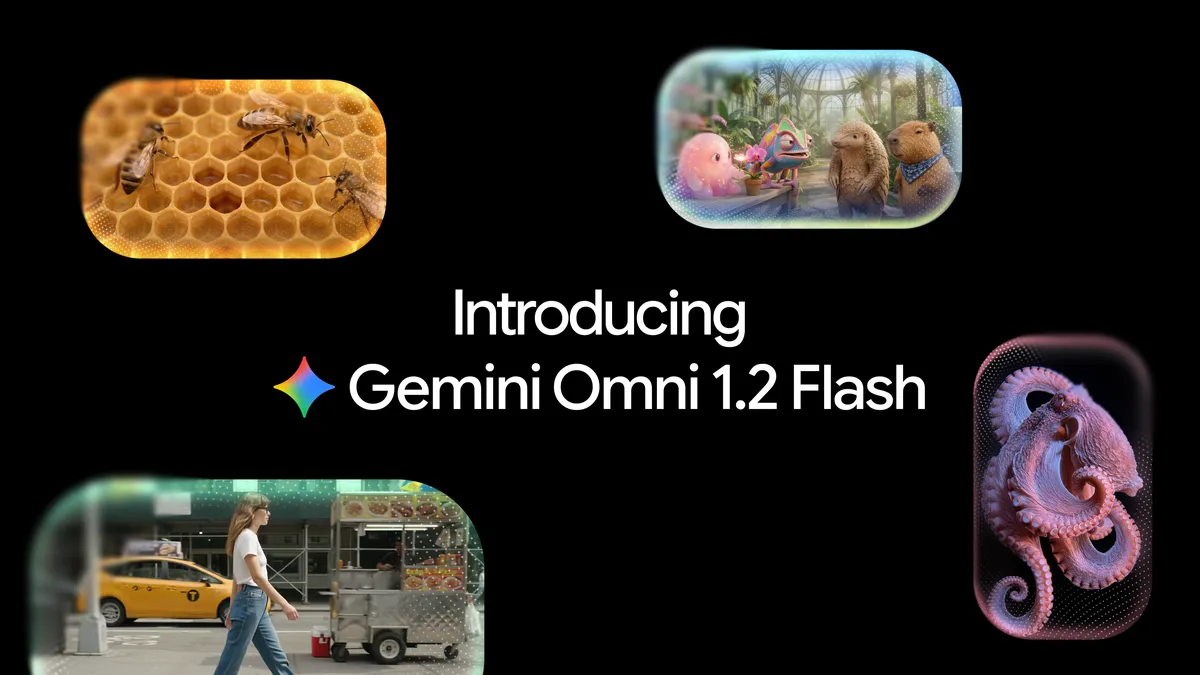
Google announced Gemini Omni 1.2 Flash on 5 November 2026. It says the model can make videos from three to fifteen seconds long, accept image, motion and audio references, and refine a clip through follow-up instructions. Google also reports a 30% lower price than Omni 1.1 for API users, at $0.07 per second for 720p video. Those are Google’s specifications and claims; WASSAI has not independently tested output quality, speed or cost. For a creator, the useful question is whether a longer clip keeps the subject accurate from opening frame to final frame. [1]
Make one short brief with fixed details
Choose a product or character you have permission to depict. Supply clear reference images from more than one angle, then write a compact brief for a fifteen-second scene: a steady opening, one camera move and a clean ending. Record the details that must stay fixed, such as a logo, label, garment cut, face, colour and object count. Keep the scene and lighting simple enough that errors will be visible. A busy montage can hide continuity problems rather than solve them.
Google says Omni 1.2 Flash supports reference images, short motion clips of up to three seconds and audio cues. It also describes stronger reference adherence and fewer unwanted jumps in camera motion. Treat those as features to test, not a guarantee that typography or identity will remain correct in your own shot. [1]
Inspect the whole clip, then edit one thing
Watch at normal speed for the story, then pause at the start, middle, every camera transition and final frame. Compare each point with the references. Does the label still read correctly? Are the same objects present? Does a product gain an invented feature when it turns? Listen for changes in voice, timing or lip sync if dialogue matters. Note defects in a simple table with timestamps; a polished first frame is not a pass.
Next, ask for one bounded edit, such as a different background while keeping the product and camera path fixed. Google says the model supports multi-turn conversational edits across a full fifteen-second clip. Compare the revised clip against both the source references and the first version. If the requested change quietly alters the subject, roll back or regenerate with tighter references. [1]
Choose the right access path and publish carefully
Google says the model is generally available through the Gemini API and Gemini for business. It lists Flow and Google Vids among consumer-facing paths; Gemini app access is rolling out to Google AI Ultra subscribers. Check the interface, account and terms available to you before planning a client delivery. API pricing is not a universal price for every product or subscription. [1]
Export only a version whose claims, people, products and sound you can verify. Keep the prompt, references and approved file together. Google notes that work continues on fast sports action, rapid script changes and complex physics, and says outputs carry an imperceptible SynthID watermark. A fifteen-second limit may reduce stitching, but the final editorial and factual checks still belong to the creator. [1]
Sources
- Google: Gemini Omni 1.2 Flash: Fast and cost-effective with longer clips · Published 2026-11-05; checked 6 November 2026.