
AI BRAND WORKFLOWS / ANALYSIS
ElevenCreative Brand Kit gives your visual rules a reusable home
A new workspace kit carries colours, fonts, logos and references into creative prompts. Build a small kit, then check whether it holds together across three different assets.
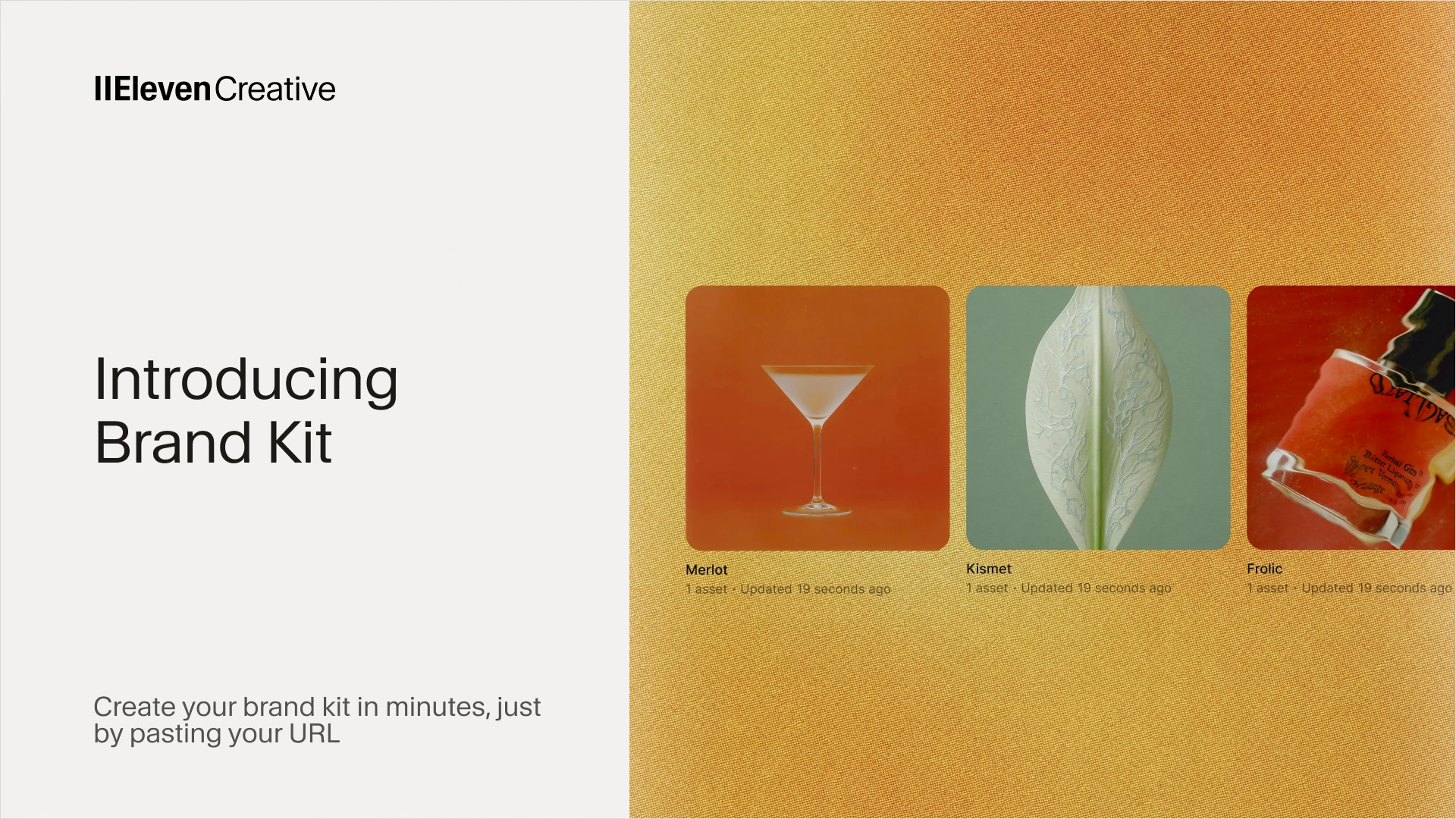
ElevenLabs introduced Brand Kit in ElevenCreative on 9 October, with its announcement updated on 12 October. The system stores colours, fonts, logos, reference images and rules in a workspace object that can be tagged in prompts. For a creator producing a product image, short video and campaign variation, the useful idea is a shared visual brief that travels between tasks. Its value will depend on how clearly you define the identity and how closely you inspect the output. [1]
Build a kit that makes decisions
Start with approved assets for one brand: primary and secondary logo versions, exact colour values, named typefaces and a small set of photographs that express the intended lighting, composition and mood. Choose references for a clear reason. A folder of unrelated favourite images gives the model conflicting directions. Add a short note explaining what each reference demonstrates and which elements should never be copied into the final work.
Write rules that resolve real production choices. Define when the logo uses its light or dark version, how much space surrounds it, which colour is reserved for emphasis, and what photography should avoid. Include a few explicit prohibitions, such as distorted packaging or invented certification marks. Keep product facts, offer wording and legal copy in the task brief so they can be checked against their approved source.
Tag the kit across three assets
ElevenLabs says typing @ lets you tag a kit in Image & Video, Flows or the ElevenCreative agent. Kits are shared within the workspace, and separate kits can be created for different brands or clients. The announcement currently describes visual identity; extending kits to brand voice and sound is future work. A stored font or logo should therefore be treated as guidance to review, not a promise of exact reproduction. [1]
Try three briefs with the same kit: a square product visual, a vertical story and a short video concept. Keep the audience, product and message constant while changing the composition for each format. Ask for a clear focal point and one main communication job per asset. This tests whether the identity remains recognisable when the layout changes, rather than merely producing three similar-looking pictures.
Keep a correction log
Review the outputs together. Compare logo shape and placement, colour relationships, typography, photographic character and product accuracy. Check small lettering at delivery size. Mark each failure as either a missing rule, an ambiguous reference or a generation error. Revise the kit only when the guidance needs to change; repair a one-off output separately. Otherwise, the kit can accumulate exceptions that make the next task harder.
Save the approved kit version and a contact sheet of accepted examples. Repeat the three briefs after a meaningful rule change and compare correction effort. WASSAI has not independently tested Brand Kit, so consistency gains remain to be demonstrated on your own work. A useful kit should make creative decisions easier to repeat while leaving room for a fresh idea in each execution.
Sources
- ElevenLabs: Introducing Brand Kit (published 9 October; updated 12 October) · Published 2026-10-09; checked 15 October 2026.