
AI MOTION DESIGN / ANALYSIS
Claude Motion makes the explainer editable: start with one clear claim
Anthropic’s new beta animates supplied text, charts, shapes and images as code. Use a tightly scoped brief and verify every number before exporting an MP4.
Anthropic introduced Claude Motion on 8 October as a beta for Team and Enterprise customers. It turns a prompt and supplied material into a short animation made from code. The company says users can adjust words, numbers and timing, then export an MP4. For creators who repeatedly revise explainers, that editability is more interesting than asking AI for a finished clip whose details are difficult to change. [1] [2]
Understand what Motion makes
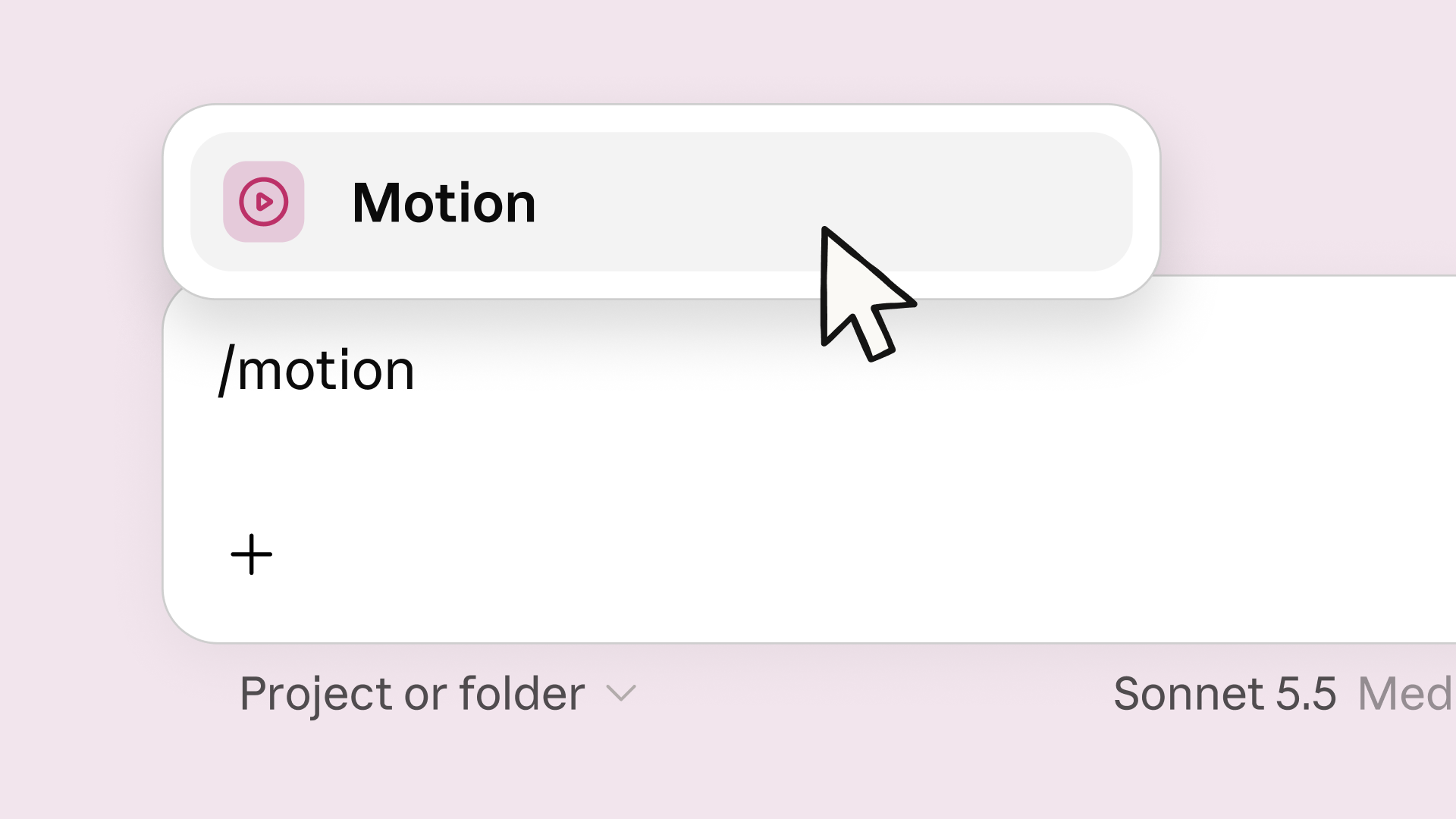
Claude Motion animates text, charts, shapes and images; Anthropic says it does not use a video-generation model or create realistic footage and people. You can request an animation in a chat, choose Motion from the output menu, or start from a template in Artifacts. Changes can be requested in chat or made directly in the editor. Completed animations can be downloaded as MP4 files. [1] [2]
Access is narrower than the wider Claude design tools. Motion is on by default for Team plans, while an Enterprise owner must enable it in Artifacts settings. The beta also counts toward plan usage, and Anthropic says longer or more complex animations consume more. Check access before promising a client or class a same-day delivery. [2]
Brief one 25-second explainer
Choose a subject with an approved fact, such as how a product saves a shopkeeper one ordering step. Write three beats: the problem, the change and the result. Give Claude the exact audience, destination format, approximate length, approved wording, brand colours, type hierarchy and assets you have permission to use. If a chart is involved, attach the source data and specify its units and date. Tell Claude not to invent figures or testimonials.
Ask for a first pass with no more than one main idea per beat. A sample instruction could be: “Make a 25-second vertical explainer for existing retailers; keep the discount value exactly as supplied; animate the product image and three short text cards; leave the final five seconds for the call to action.” This is a production brief, not a guarantee of output quality.
Review before you export
Compare every visible number and word with the approved source. Check whether text stays readable on a phone, the product remains recognisable, the pauses allow a first-time viewer to understand the message, and the ending has enough time to act. Revise one issue at a time in the editor or chat, then watch the exported MP4 rather than trusting the preview alone. [2]
Motion is best treated as an editable explanation layer. When a piece needs live action, nuanced acting or photographed product detail, use the animation as a planned component within a broader edit. Save the final brief and a list of corrections alongside the export. That gives the next explainer a cleaner starting point, and makes the human decisions behind the moving graphics visible.
Sources
- Anthropic: Build live dashboards and animate explainers with Claude · Published 2026-10-08; checked 10 October 2026.
- Claude Help Center: Get started with Claude Motion (updated 9 October) · Published 2026-10-09; checked 10 October 2026.